My favorite app
Great app, easy to use. Helps our small business save time and money to create different marketing materials professionally. Thank you.
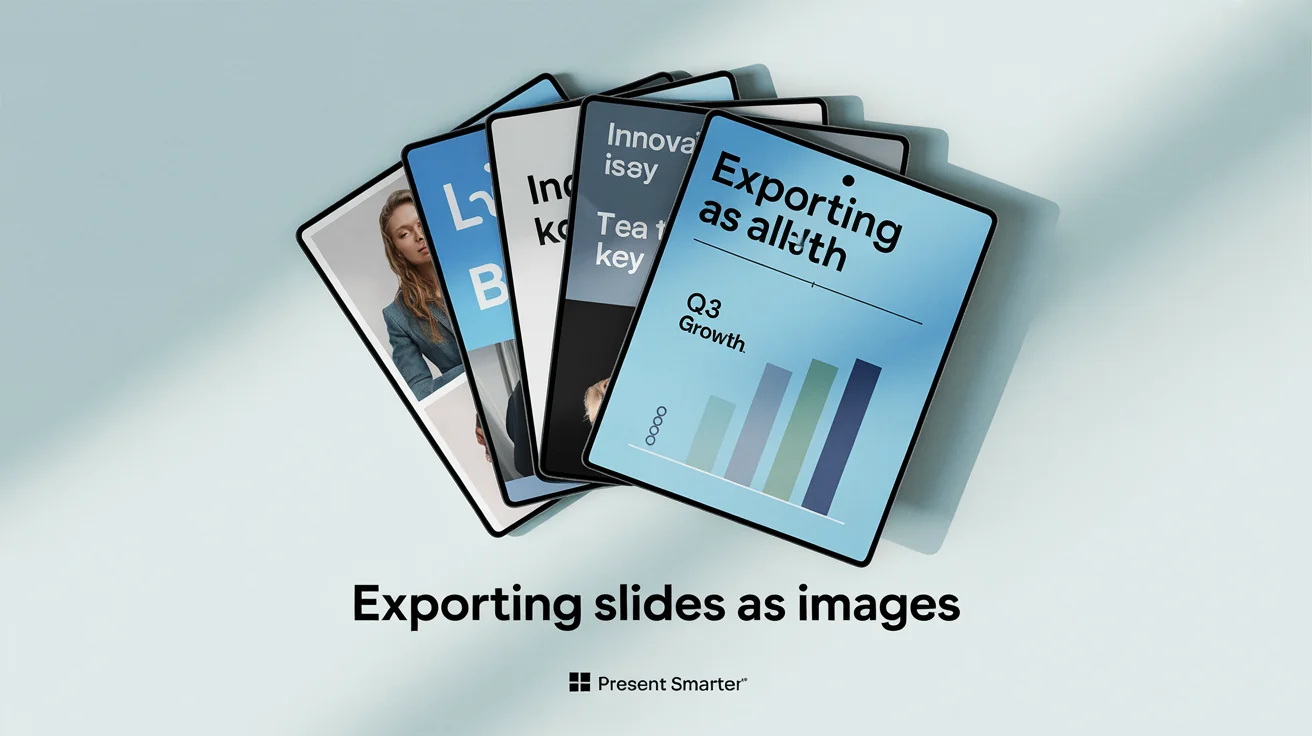
Take a screenshot of the slide you want to convert and upload the image file (PNG or JPG) to the editor.
If you want to make changes, tell the AI what to do. For example, type 'Enhance the clarity of the text'.
Click the generate button. Our AI will process your slide and create a high-quality, enhanced image.
Your new slide image is ready. Download the high-resolution, watermark-free PNG file to use anywhere.
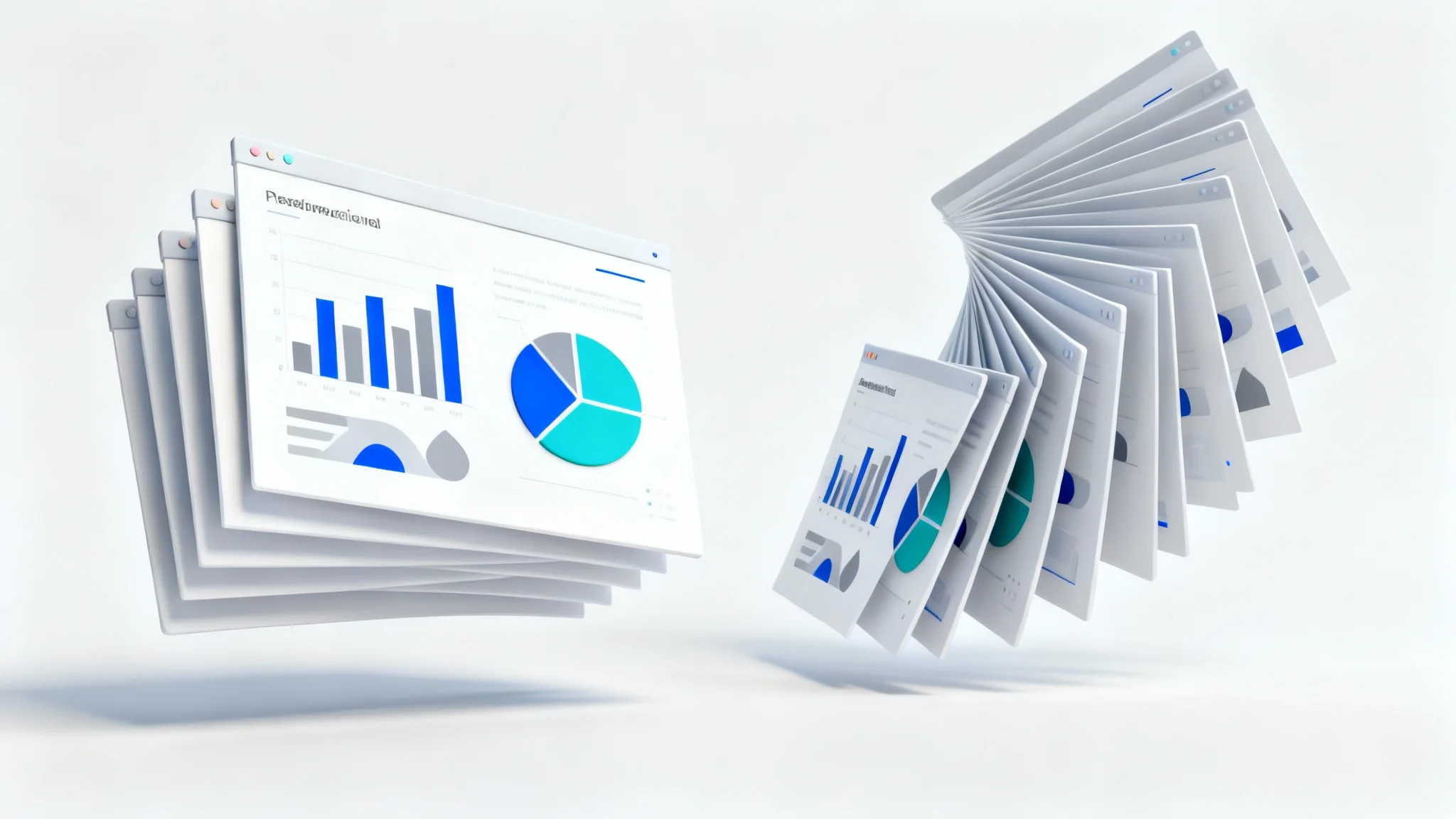
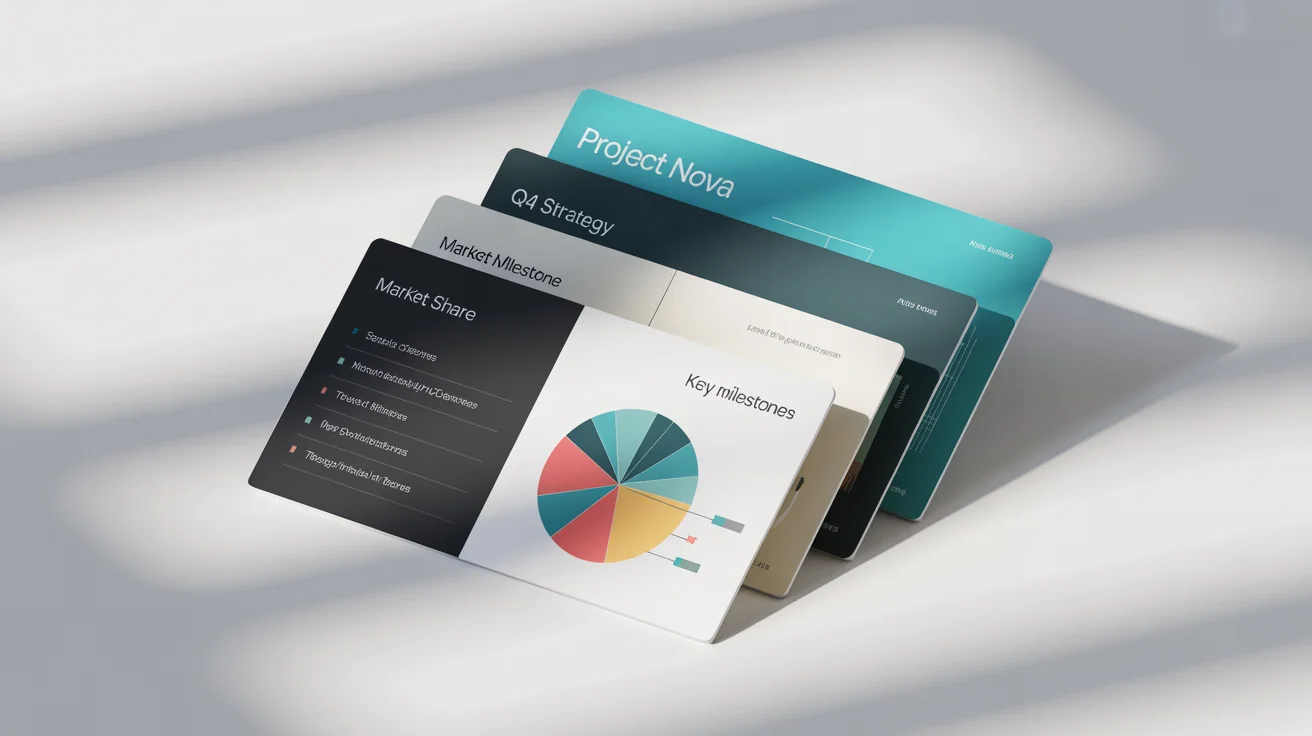
The easiest way is to take a screenshot of the slide you want to convert. Then, upload the screenshot to our tool. Our AI will process the image, enhance its quality, and provide you with a high-resolution PNG file to download.
Our tool works with image files, so you can't upload a .ppt or Google Slides file directly. However, you can easily save any slide as an image by taking a screenshot and uploading that file. This workflow is fast and works for any presentation software.
PNG is an excellent format for presentation slides, especially those with text, charts, and graphics. It preserves image quality without compression, ensuring that all details and text remain sharp and easy to read. Our tool exports to the high-resolution PNG format.
Yes. Our AI-powered tool is designed to automatically enhance the visual quality of your uploaded slide image. It works to improve color vibrancy, text clarity, and overall sharpness, making your screenshot look like a professional export.
Yes, our slide to image converter is free to try. You can convert your slides and download them. After your initial free credits are used, you have the option to purchase more credits to continue using the tool.
With our AI agent, you can describe changes you want to see. After uploading your slide image, type a prompt like, 'Change the title text to read 'New Title'' or 'remove the logo in the corner'. The AI will then generate a new version of the image based on your instructions.
Great app, easy to use. Helps our small business save time and money to create different marketing materials professionally. Thank you.
I need a good background remover for my work and I've been through them all it feels like. This one is the best by far. It's so easy to use and the results always look amazing. Thank you Pixelcut!
It's amazingly easy and gives the perfect results for my bags and accessories. It looks like it was done by a professional photographer.